 1 / 5
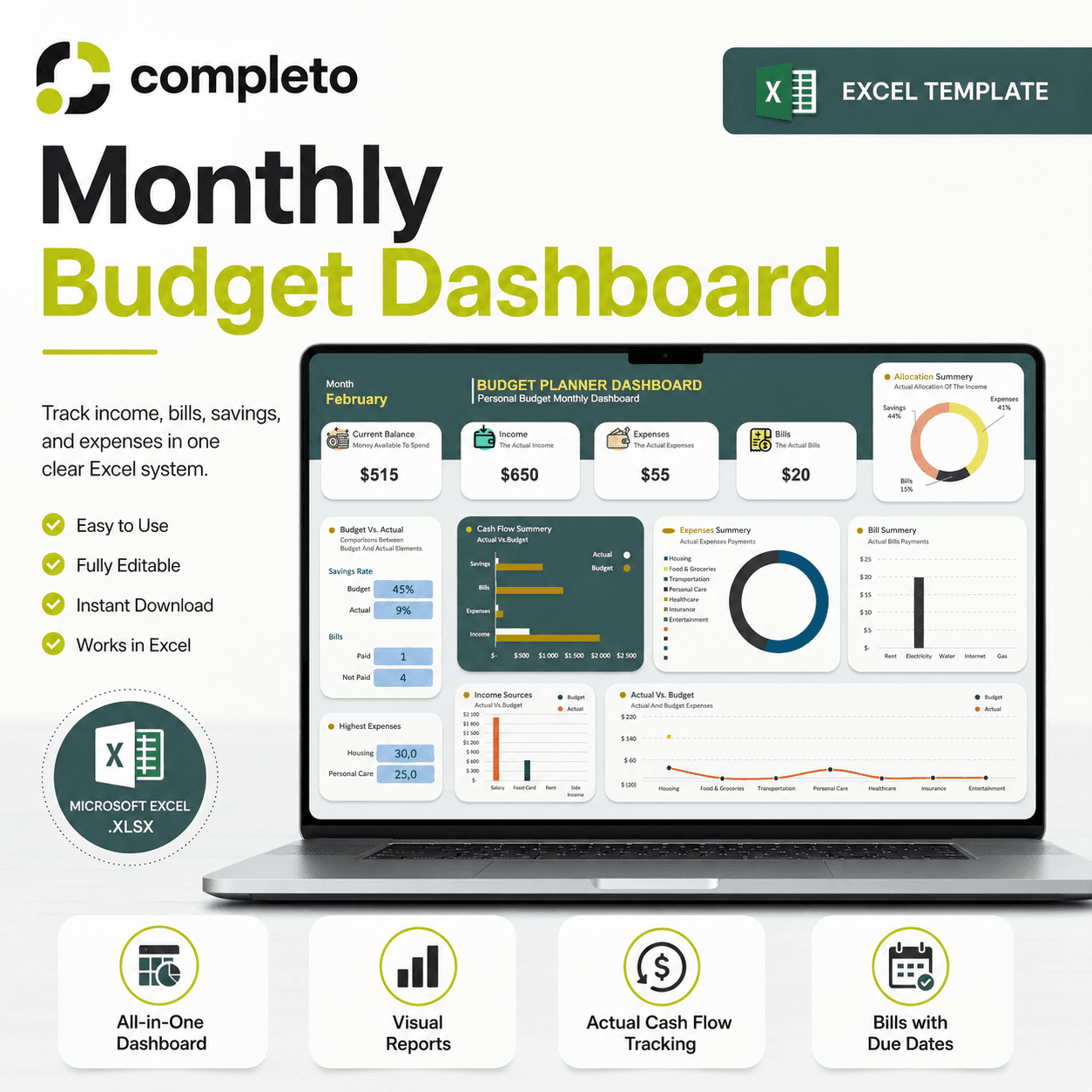
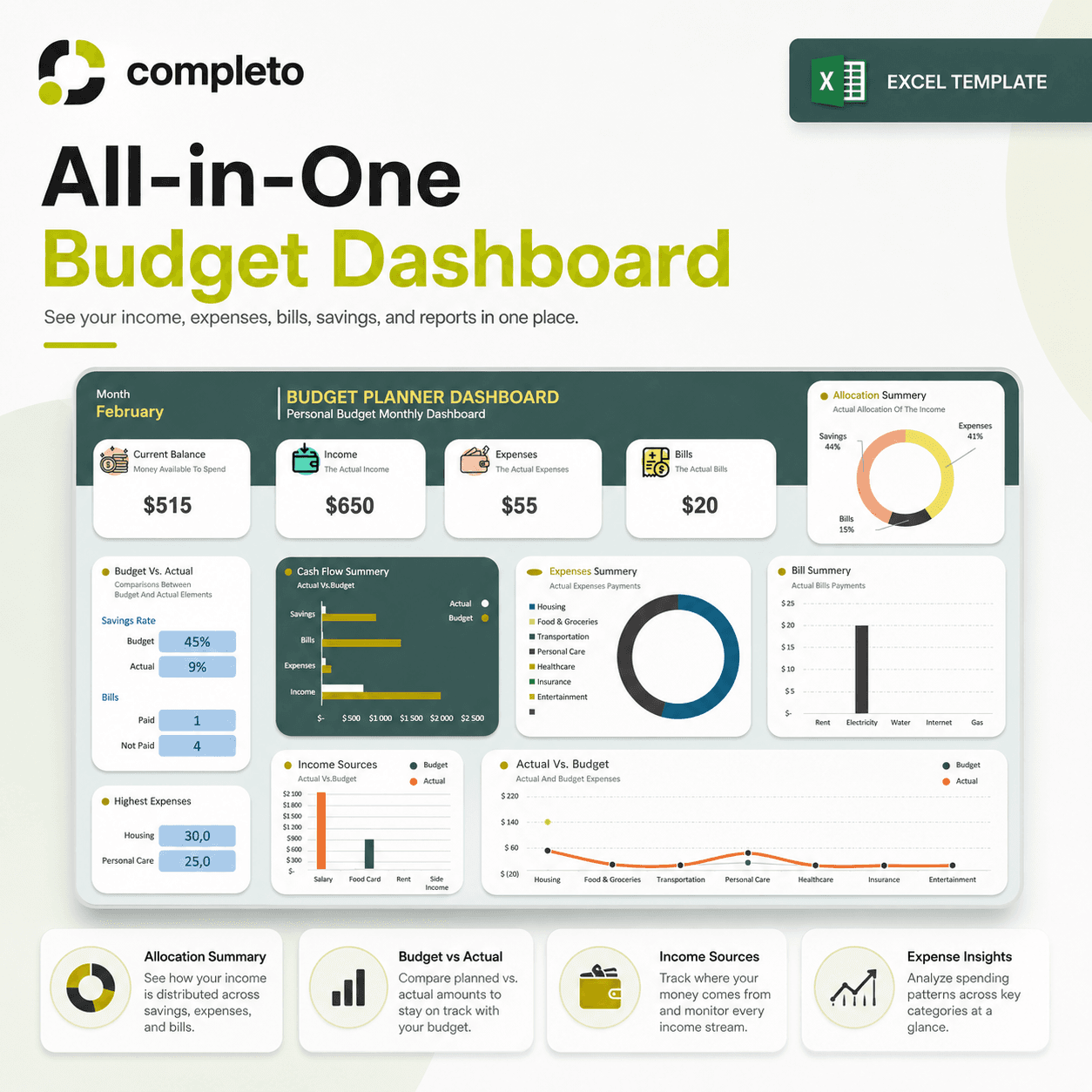
1 / 5Plan your month, record what you actually spend, and see the difference automatically. Bills with due dates, savings and cash flow in one editable Excel dashboard.
Choose your version
One-time payment · .xlsx
Works in Excel 2016 or newer on Windows, Mac and the web
Digital product. All sales are final. By purchasing you agree to our Terms, Refund Policy and Privacy Policy.
Updated Sep 2026
Most people end the month not knowing where their money went. This Excel budget dashboard gives you one clear system — plan your budget at the start of the month, track what actually happens, and see the difference automatically.
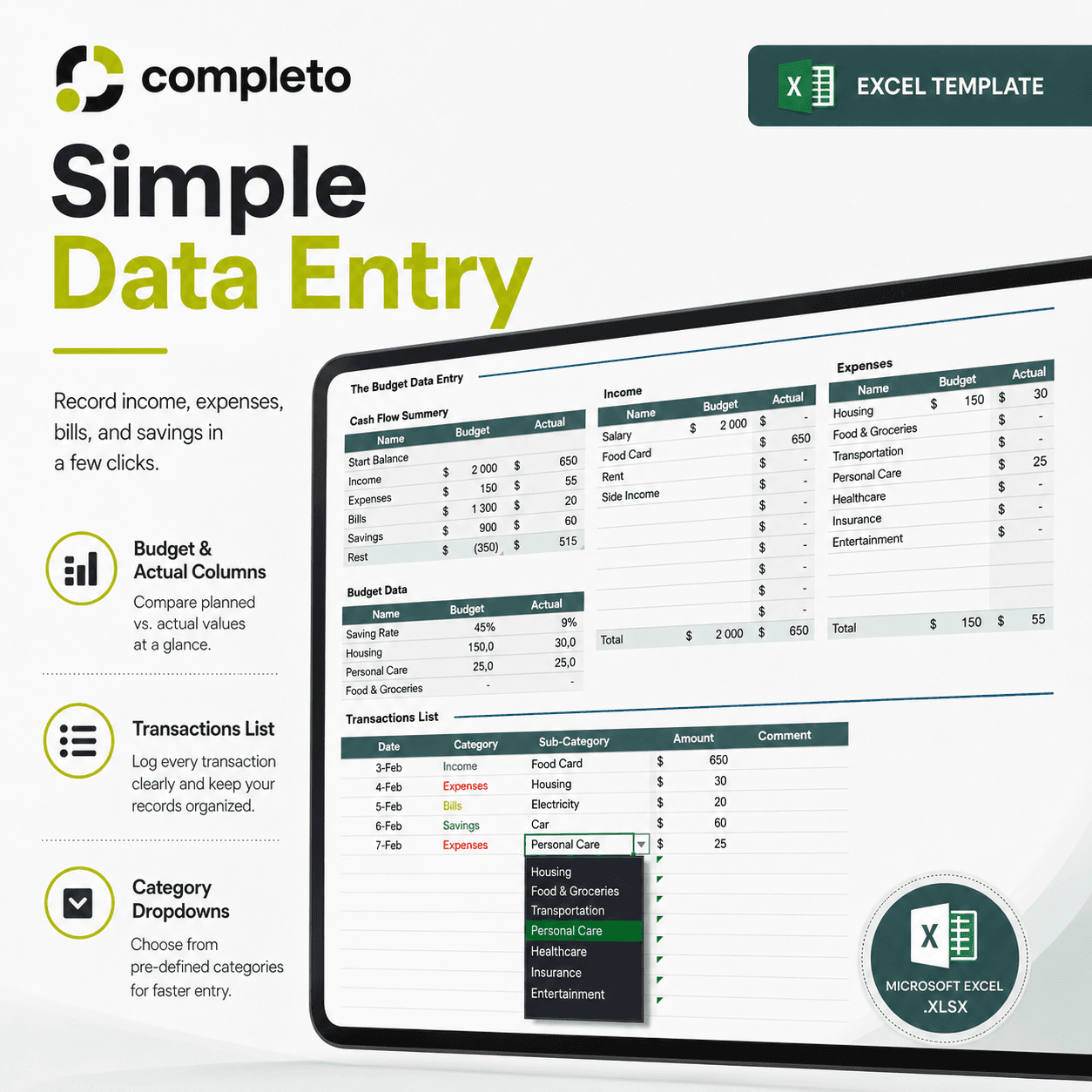
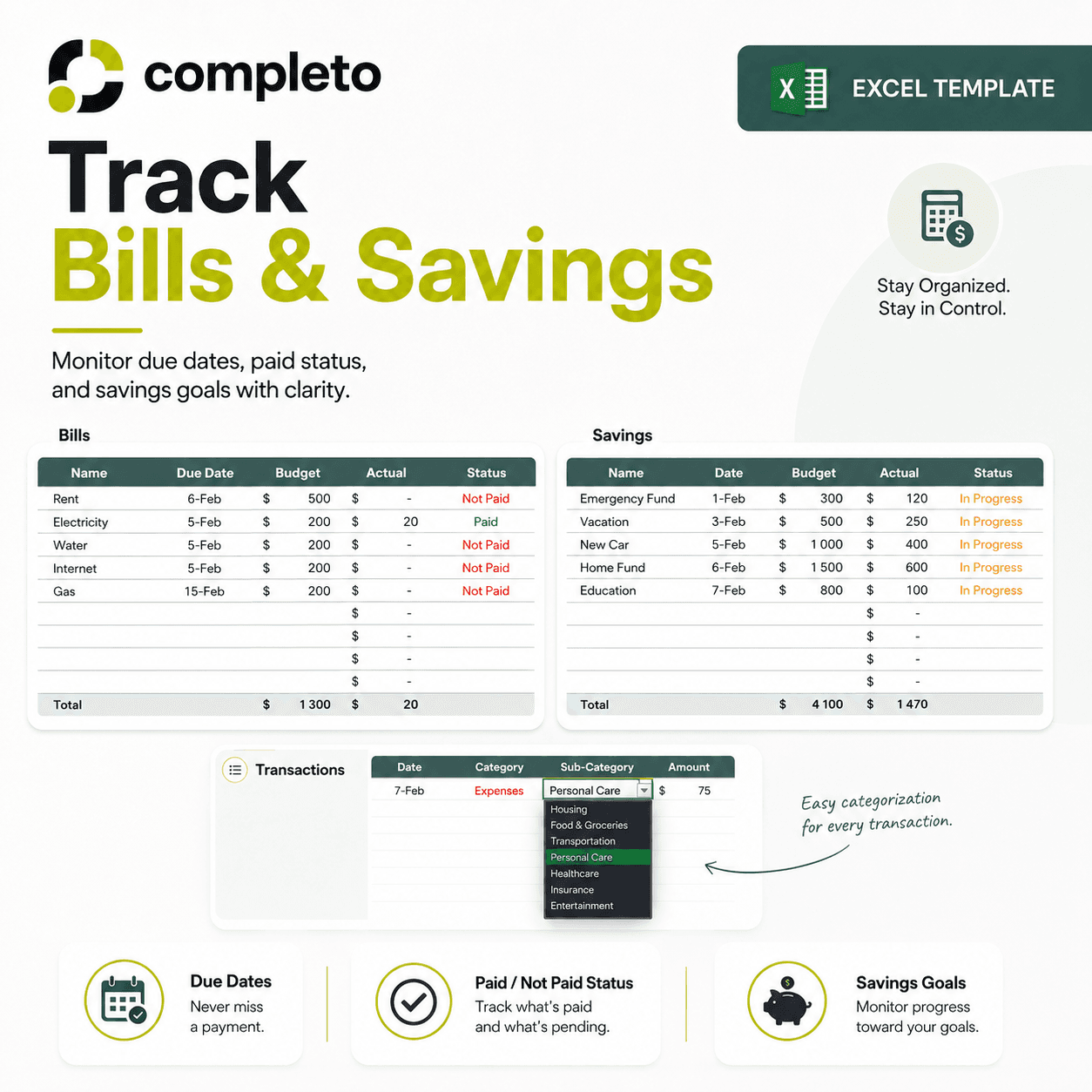
— Monthly budget dashboard with automatic summaries — Budget planner for income and expenses — Budget vs actual comparison — see exactly where you over or underspent — Cash flow tracking section — Bills tracker with due dates, budgeted amounts, and paid/unpaid status — Savings tracking section — Editable income, expense, bill, and savings categories — Beginner-friendly layout — no advanced Excel skills needed — Reusable every month — One-time payment, yours forever
— Individuals who want one clear monthly system — Couples managing shared finances together — Freelancers with variable monthly income — Students and young professionals starting to budget — Anyone who wants to replace disconnected notes and banking apps with one organized file
The template is a Microsoft Excel spreadsheet file in .xlsx format.
No. The template is beginner-friendly. You mainly enter your budget data, bills, savings, and transactions.
Yes. You can customize the income, expenses, bills, and savings categories to match your own budget.
Yes. The dashboard is designed to update from the data you enter into the budget and cash flow sections.
Yes. The template includes a bills section with due dates, budgeted amounts, actual amounts, and paid/not paid status.
Yes. You can update the month and replace the data each month to reuse the template.
This version is designed for Microsoft Excel. Some parts may work in Google Sheets, but the formatting and formulas are intended for Excel.