 1 / 5
1 / 5Plan income, expenses, bills, savings and cash flow across the full year in one editable Excel workbook with monthly budgets and an annual dashboard.
One-time payment · .xlsx
Works in Excel 2016 or newer on Windows, Mac and the web
Digital product. All sales are final. By purchasing you agree to our Terms, Refund Policy and Privacy Policy.
Updated Sep 2026
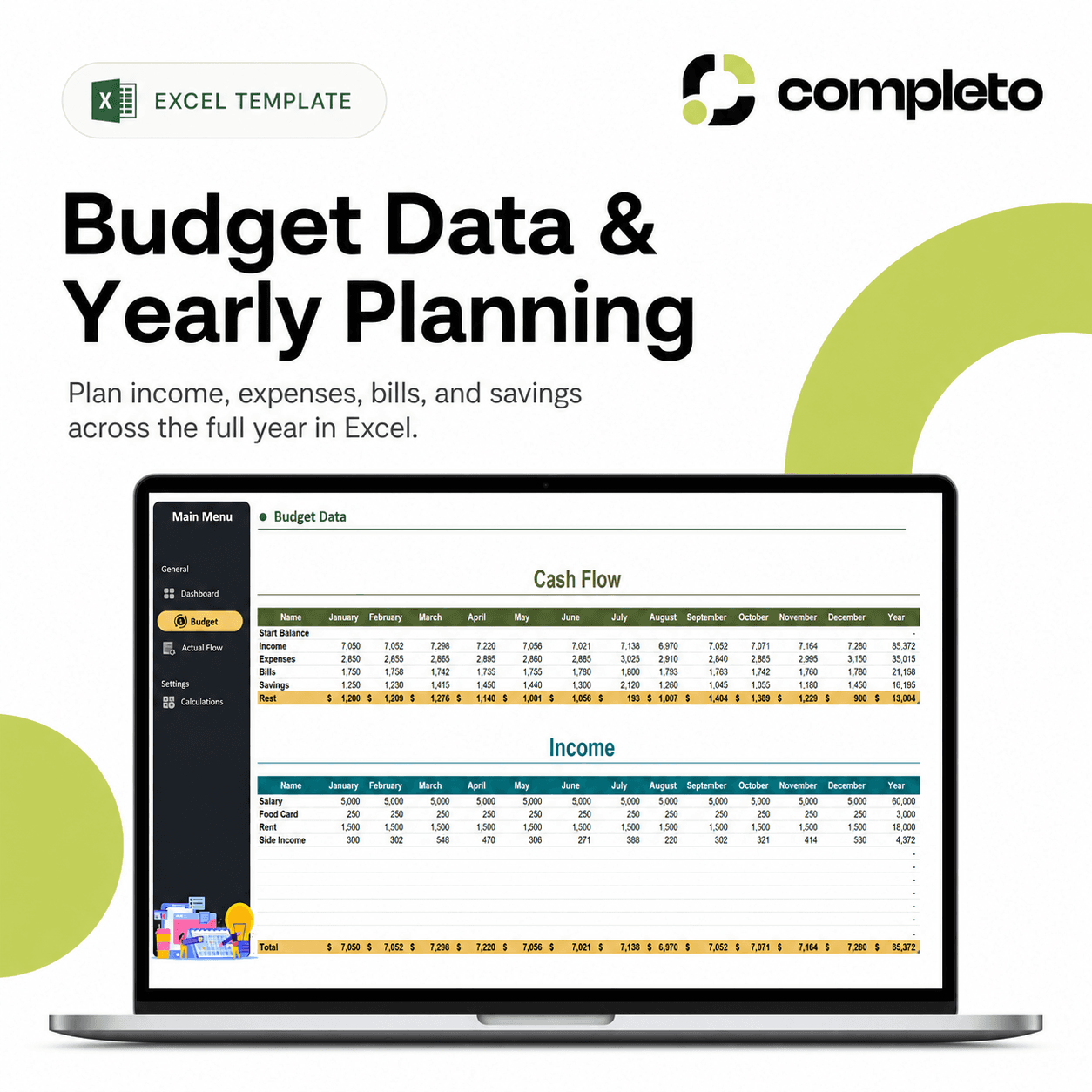
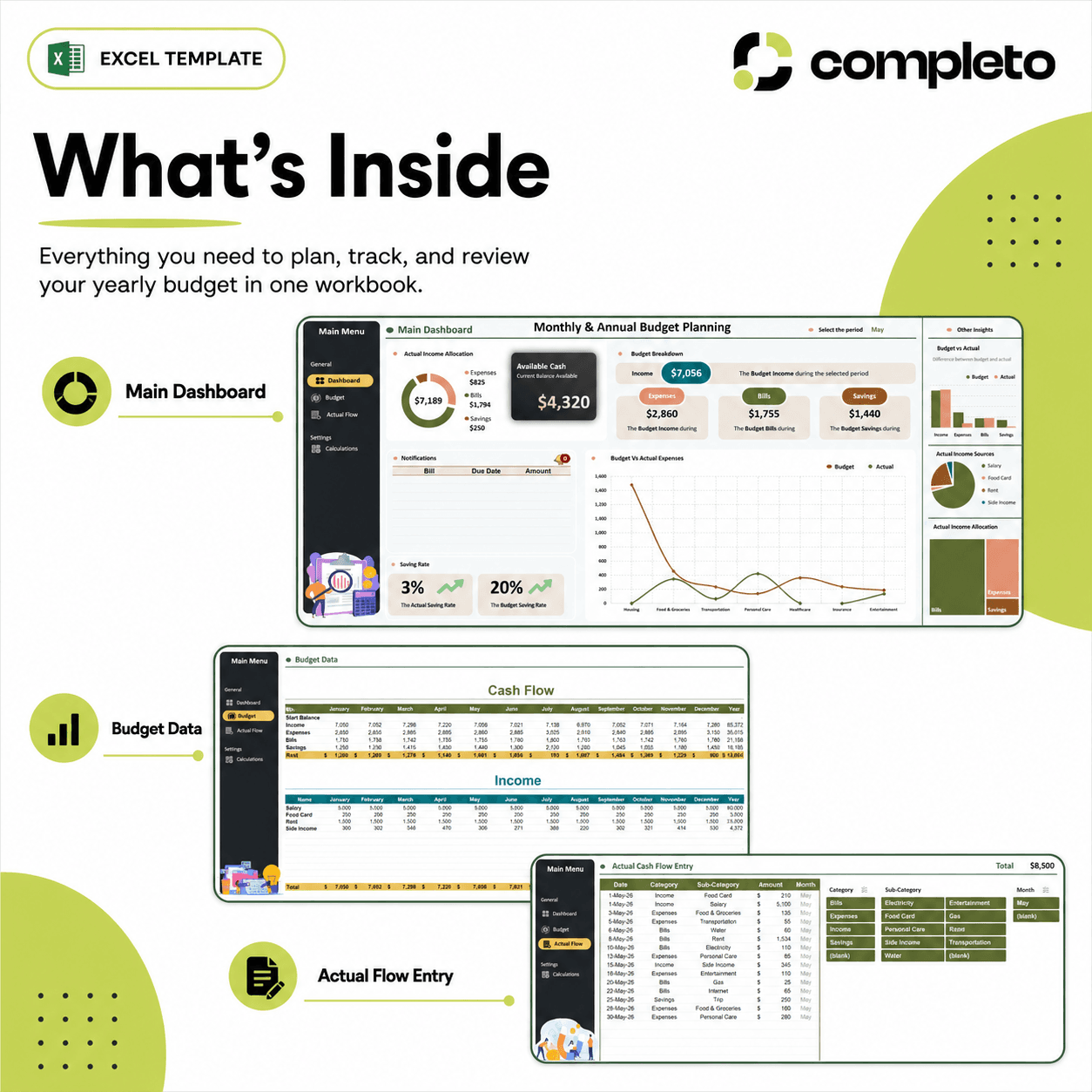
Plan your full year of personal finances in one organized Excel workbook. The Annual Personal Budget Planner helps you plan income, expenses, bills, savings, and cash flow across all 12 months, so you can see your yearly budget clearly instead of managing everything month by month in separate files.
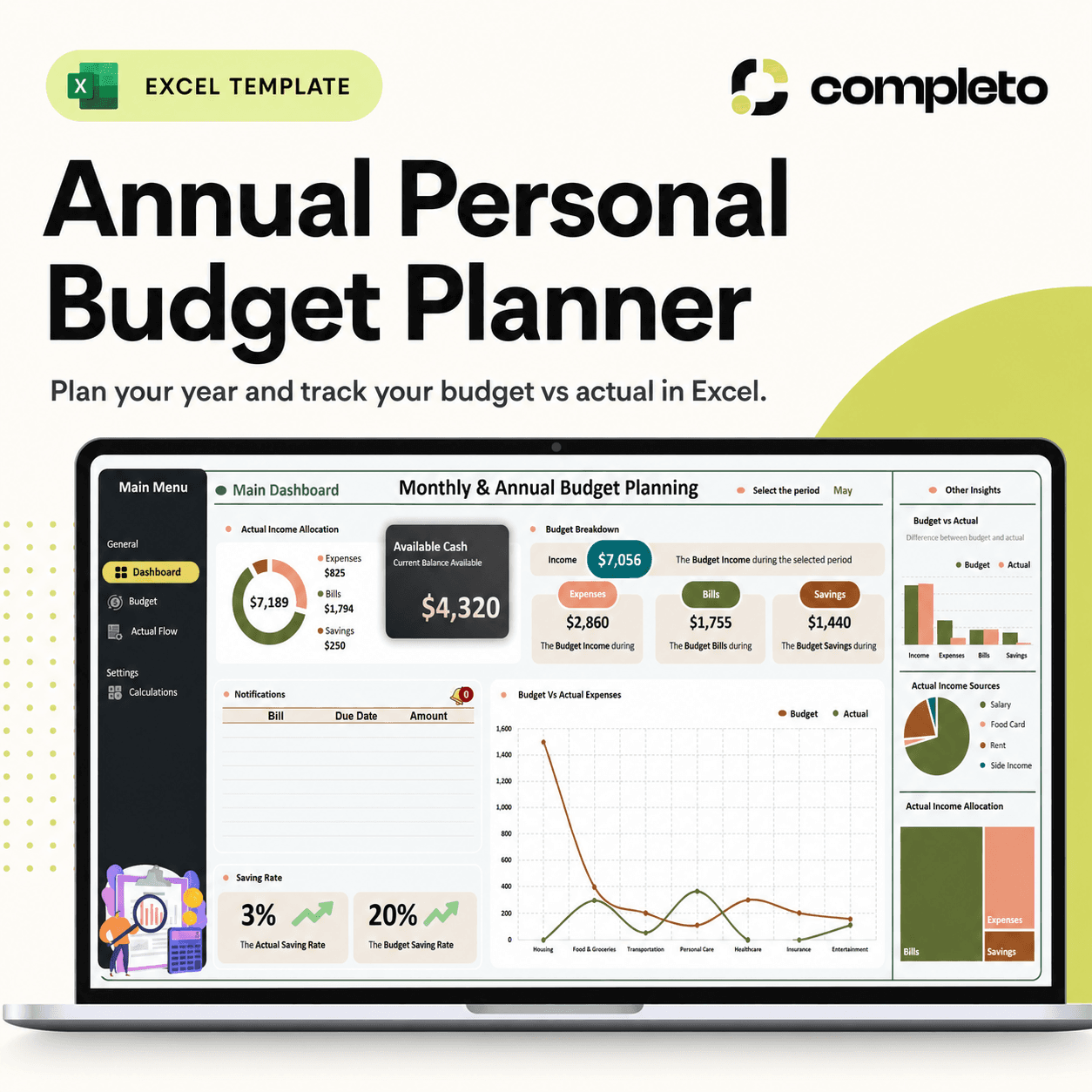
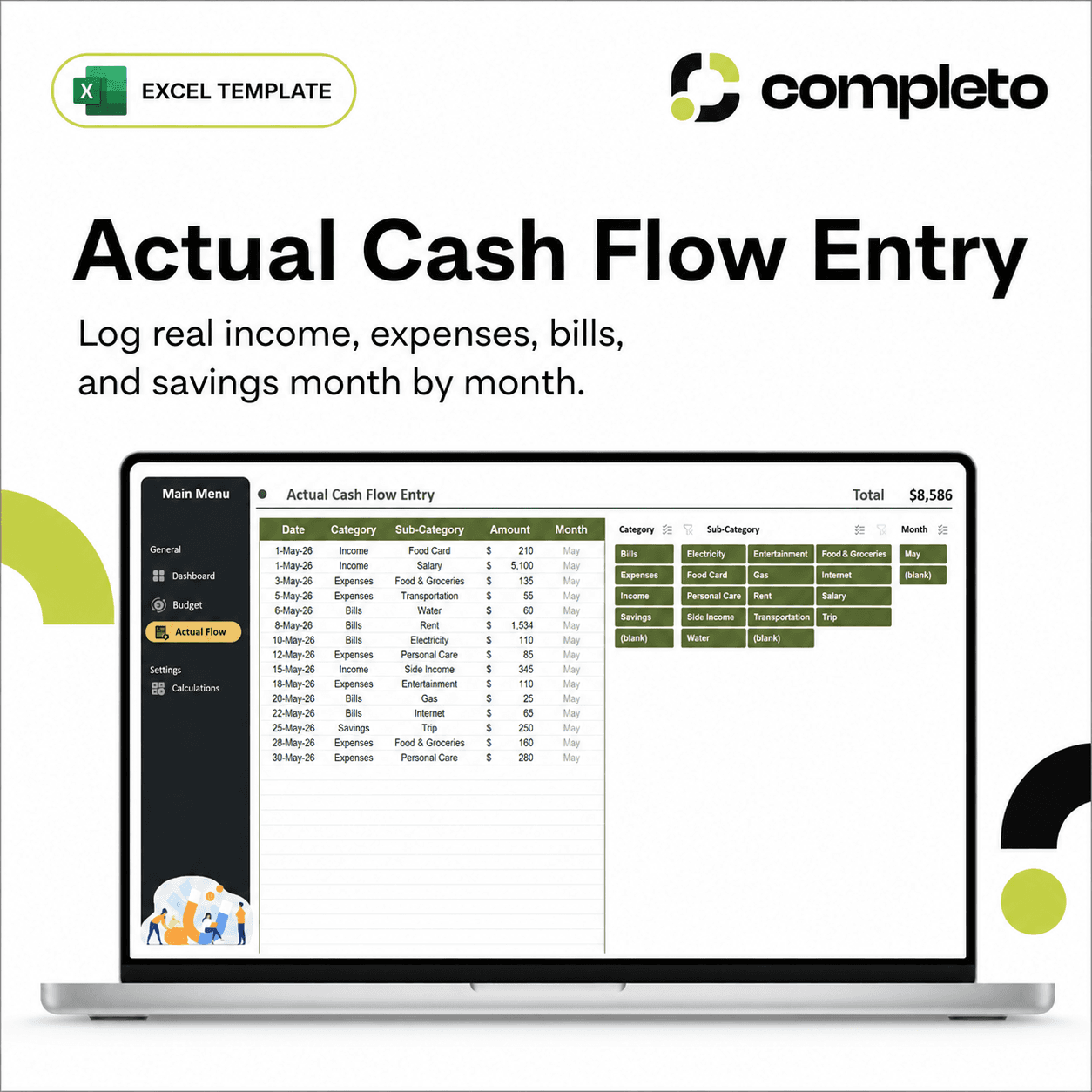
This template includes a main dashboard, a yearly budget planning section, and an actual cash flow entry area. You can plan your expected income and spending, track what really happens during the year, and compare your budget against your actual results.
It is designed for people who want a simple, structured, and visual way to manage their money in Excel — without using complicated apps, subscriptions, or disconnected notes.
What's inside
Who this template is for
This template is perfect for personal budgeting, household finance, savings goals, and Excel users who want a clear yearly budgeting system.
It is especially useful if you want to plan ahead, prepare for upcoming bills, control your spending, and understand how your income, expenses, and savings change throughout the year.
Why it helps
A monthly budget only shows one part of the picture. This annual planner helps you see the full year, so you can plan future expenses, track real cash flow, and understand whether your budget is working over time.
With the dashboard and yearly planning tables, you can quickly review your money, compare your plan with your actual results, and make better financial decisions without building a spreadsheet from scratch.
File format
Yes. You can select the financial cells in Excel and apply your preferred currency format.
Yes. Save a clean copy before entering data for a new year.
Yes. You can edit categories, amounts, labels, and sections to match your personal budget.
No. It is a one-time purchase, and the Excel file remains yours.
Yes. The workbook is editable, so you can adjust income, expense, savings and bill categories.
Yes, provided the workbook does not rely on Windows-only macros or features.