Monthly Budget Dashboard Excel Template with Dashboard
Description
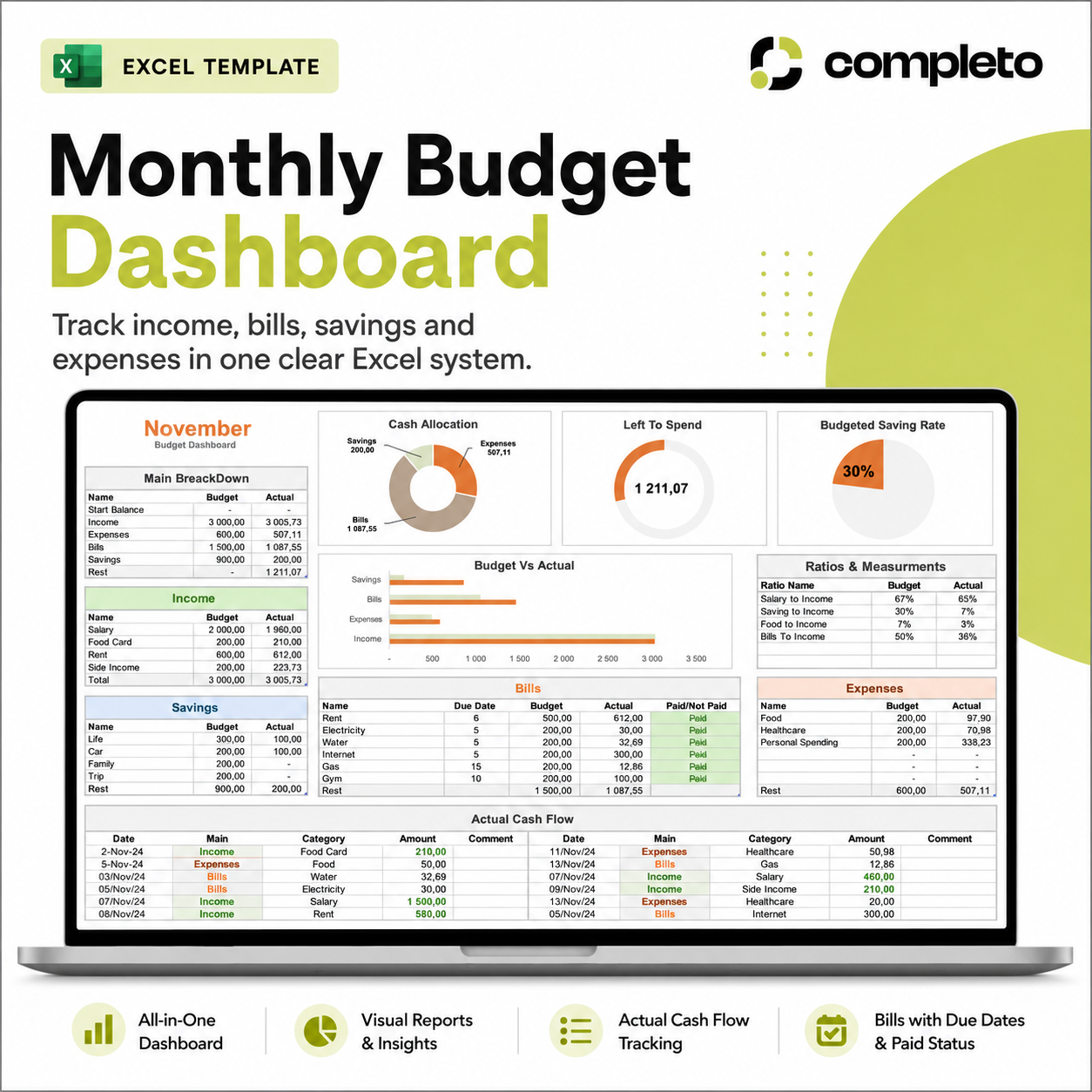
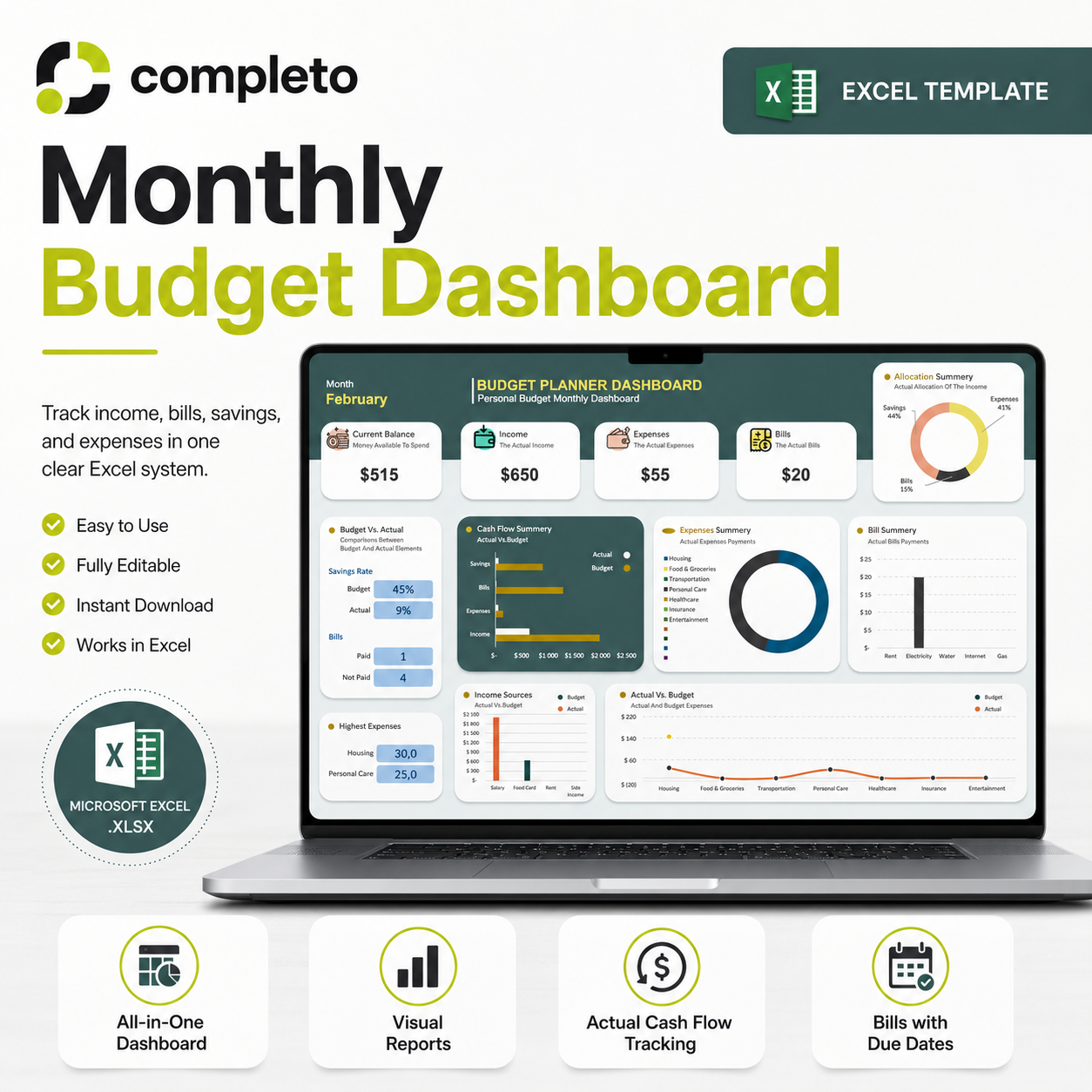
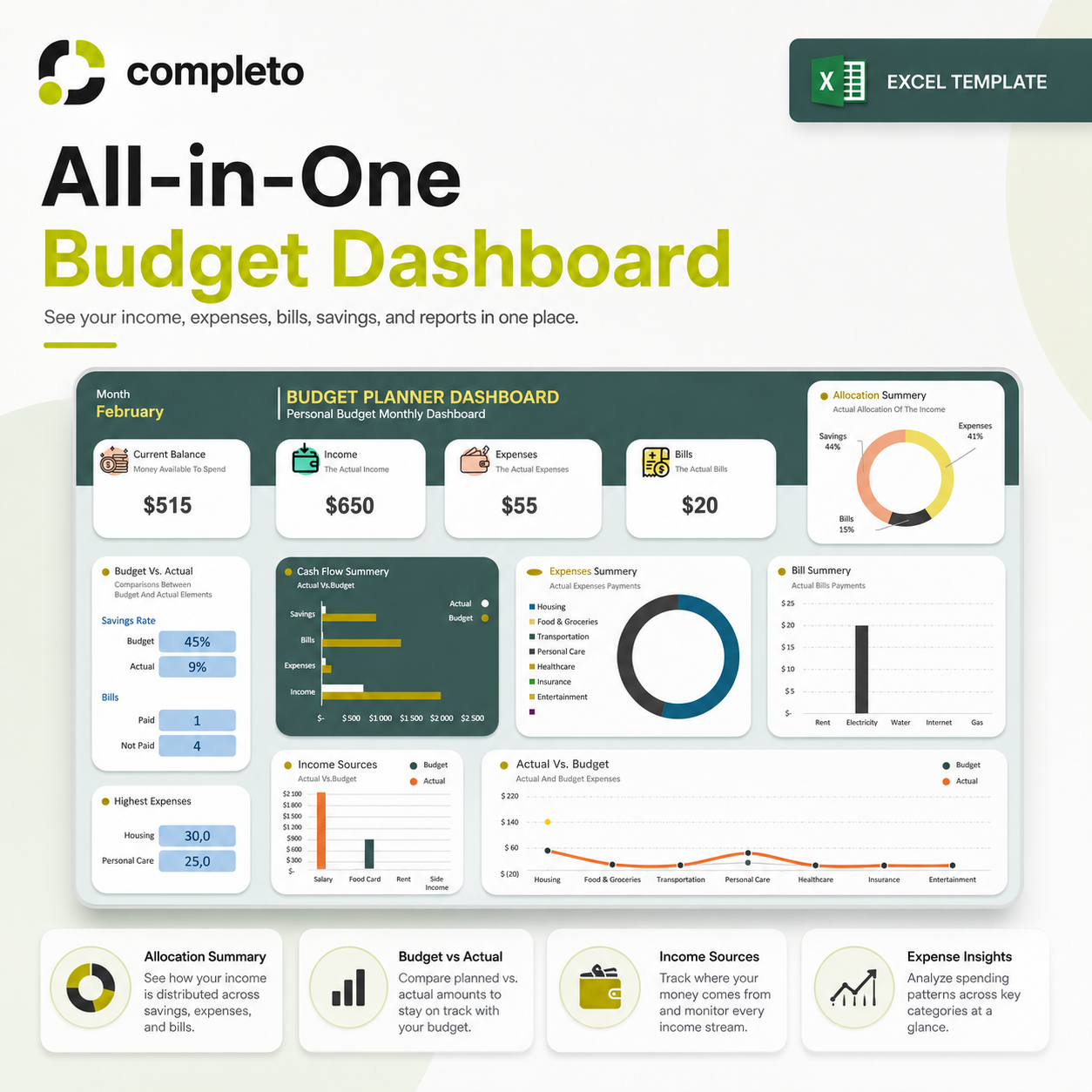
Most people end the month not knowing where their money went. This Excel budget dashboard gives you one clear system — plan your budget at the start of the month, track what actually happens, and see the difference automatically.
What's included
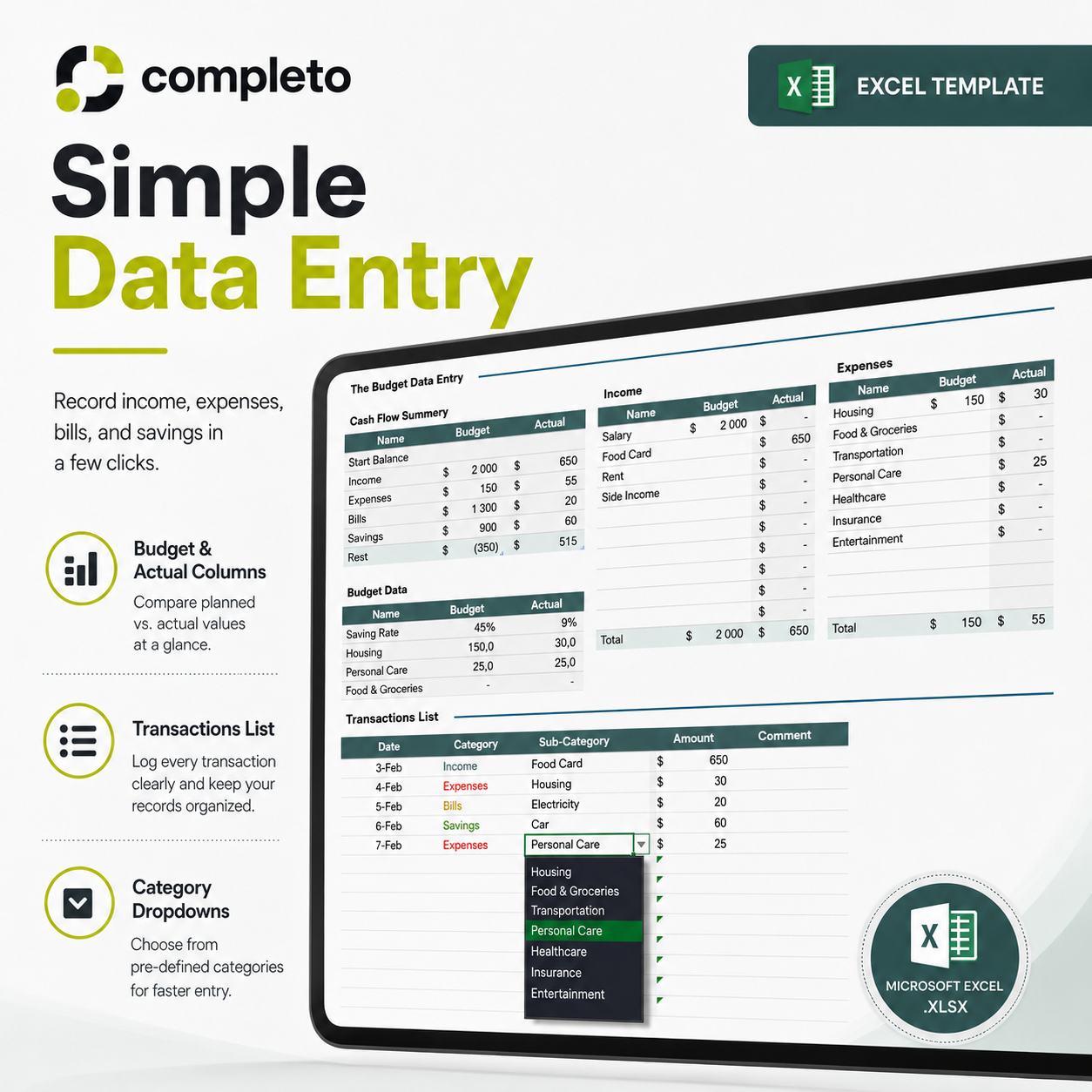
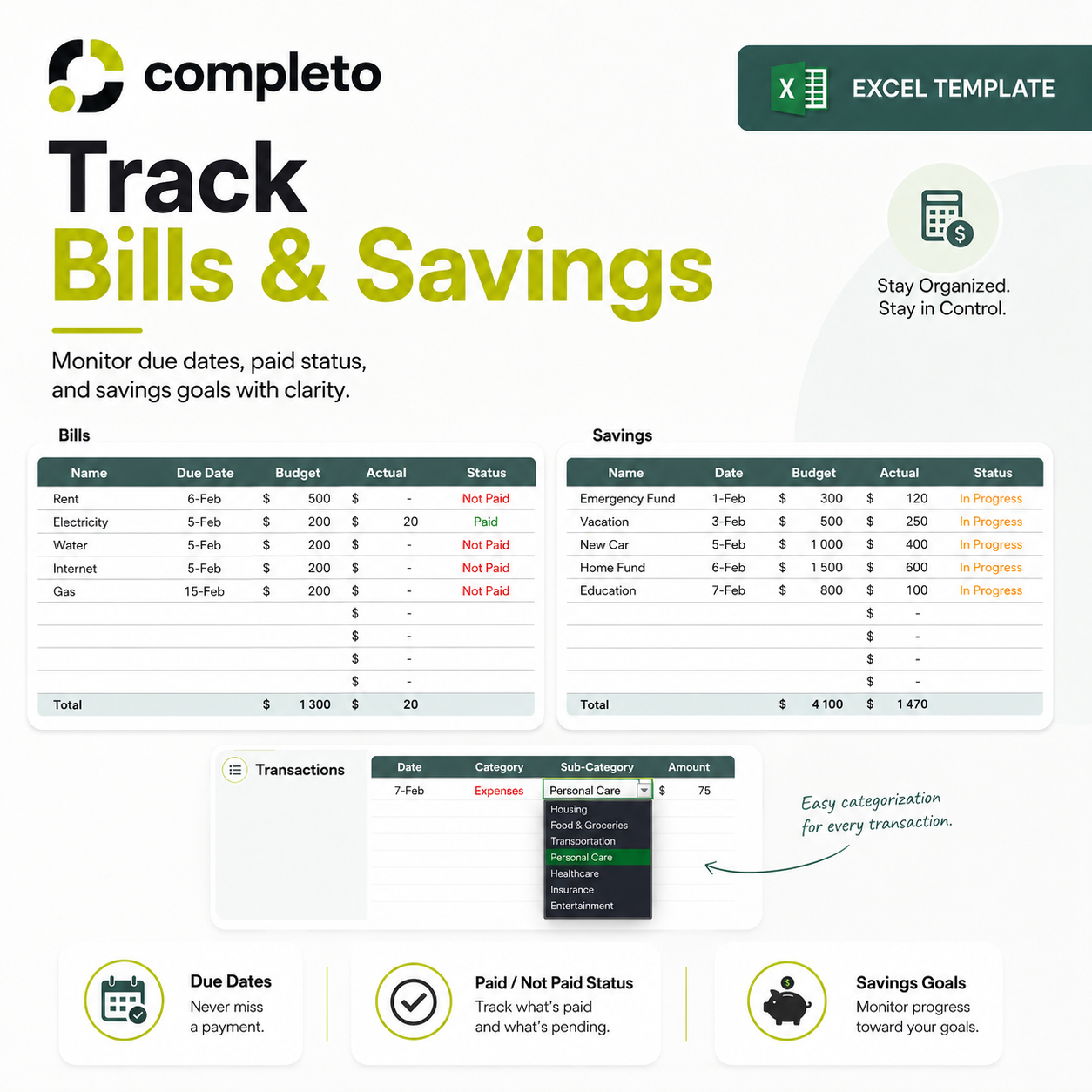
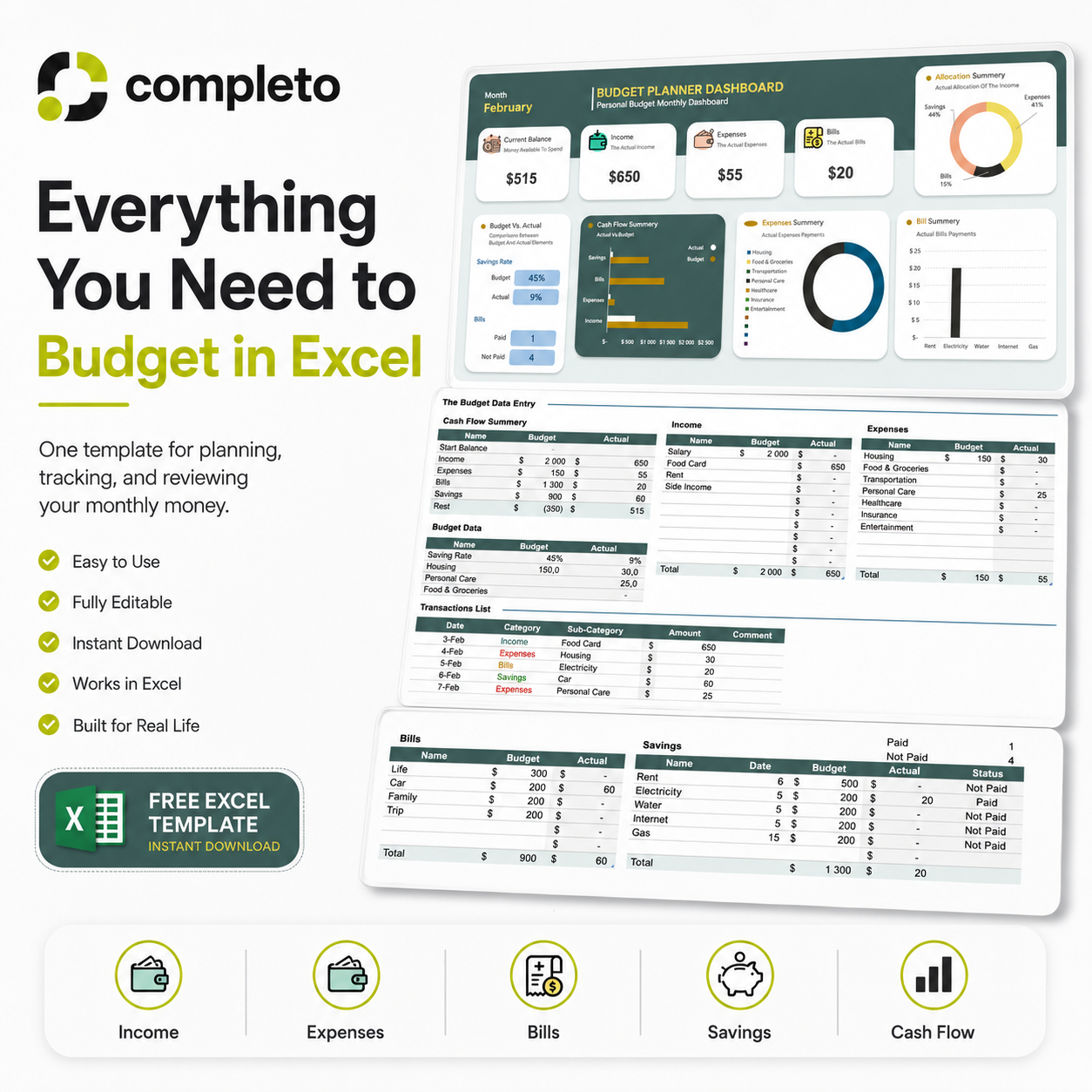
— Monthly budget dashboard with automatic summaries — Budget planner for income and expenses — Budget vs actual comparison — see exactly where you over or underspent — Cash flow tracking section — Bills tracker with due dates, budgeted amounts, and paid/unpaid status — Savings tracking section — Editable income, expense, bill, and savings categories — Beginner-friendly layout — no advanced Excel skills needed — Reusable every month — One-time payment, yours forever
Who this is for
— Individuals who want one clear monthly system — Couples managing shared finances together — Freelancers with variable monthly income — Students and young professionals starting to budget — Anyone who wants to replace disconnected notes and banking apps with one organized file
How it works
- Download the Excel file instantly after purchase
- Set up your income and expense categories once
- Enter your planned budget at the start of each month
- Record your actual income and spending throughout the month
- The dashboard updates automatically and shows your full picture
FAQ
Do I need advanced Excel skills? No. The template is beginner-friendly. You enter your numbers and the dashboard does the rest.
Can I edit the categories? Yes. All income, expense, bill, and savings categories are fully customizable.
Does the dashboard update automatically? Yes. It updates from the data you enter.
Can I use it every month? Yes. Update the month and replace the data each month to reuse it indefinitely.
Can I track bills and due dates? Yes. The bills section includes due dates, budgeted amounts, actual amounts, and paid/unpaid status.
What if I need help? Email us at completo.templates@gmail.com and we will help you get set up.
Product walkthrough
FAQ
What format is the file?
The template is a Microsoft Excel spreadsheet file in .xlsx format.
Do I need advanced Excel skills?
No. The template is beginner-friendly. You mainly enter your budget data, bills, savings, and transactions.
Can I edit the categories?
Yes. You can customize the income, expenses, bills, and savings categories to match your own budget.
Does the dashboard update automatically?
Yes. The dashboard is designed to update from the data you enter into the budget and cash flow sections.
Can I track bills and due dates?
Yes. The template includes a bills section with due dates, budgeted amounts, actual amounts, and paid/not paid status.
Can I use it every month?
Yes. You can update the month and replace the data each month to reuse the template.