 1 / 6
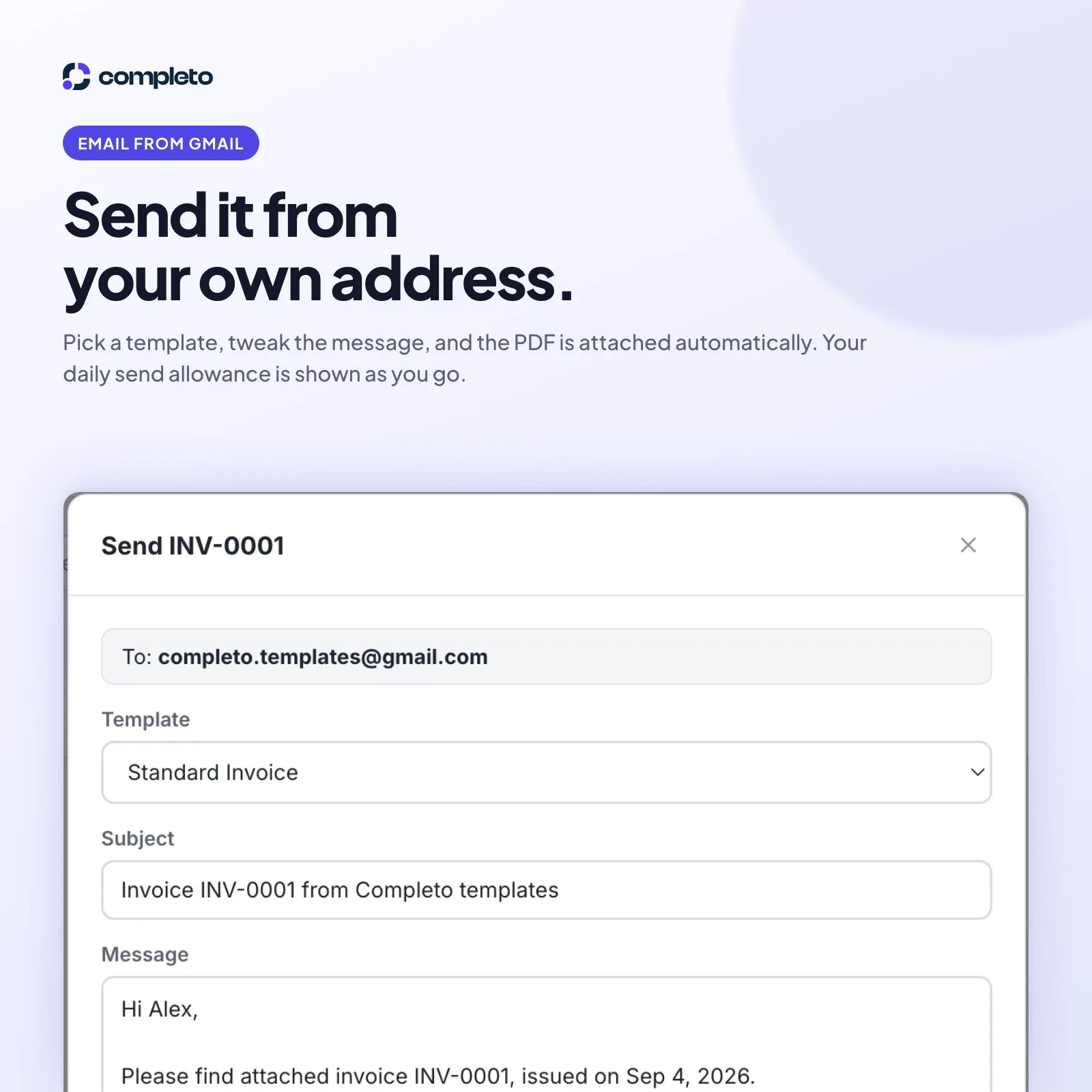
1 / 6Build an invoice, download a clean PDF, and email it to your client from Gmail — all inside one Google Sheet. Free download, no subscription.
Choose your version
No payment details required · Google Sheets
Works in Google Sheets on any browser, phone or desktop
By downloading you agree to our Terms, Refund Policy and Privacy Policy.
Updated Sep 2026
Invoice Studio turns one Google Sheet into a working invoicing app.
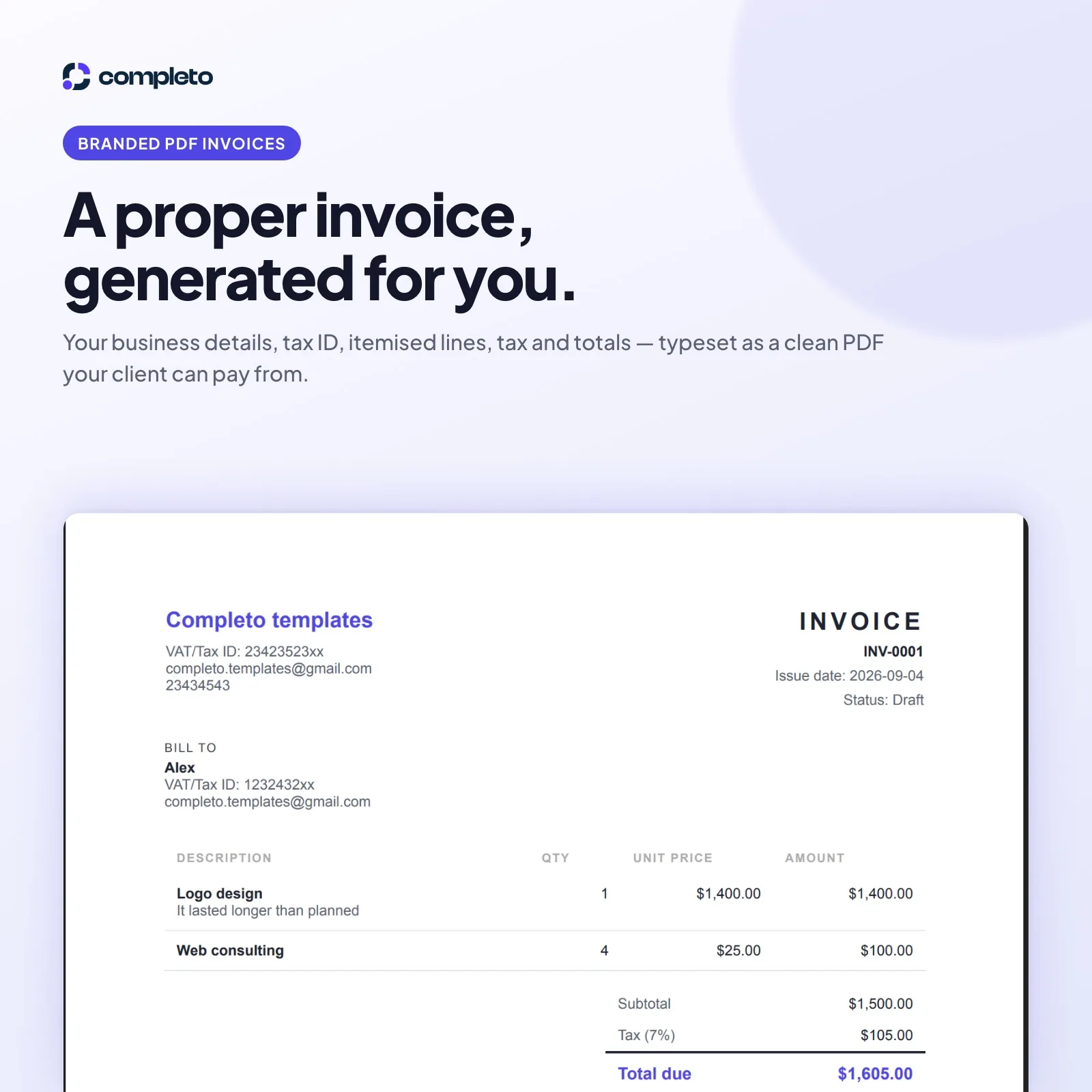
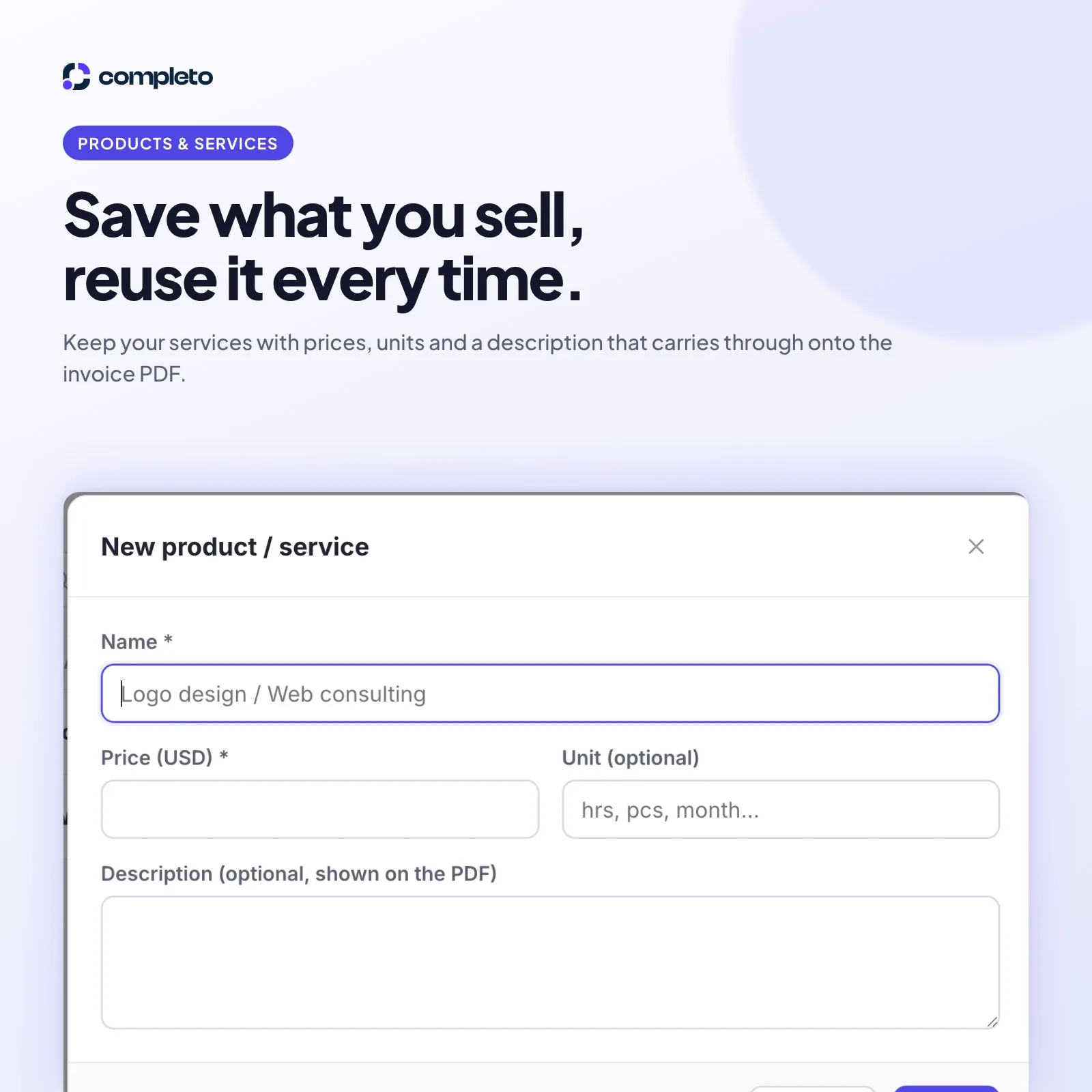
Add a client, pull in the services you sell, and the invoice builds itself. Download it as a clean PDF — your business name, tax ID, itemised lines, tax and total due, laid out properly — or email it straight to your client with the PDF attached automatically.
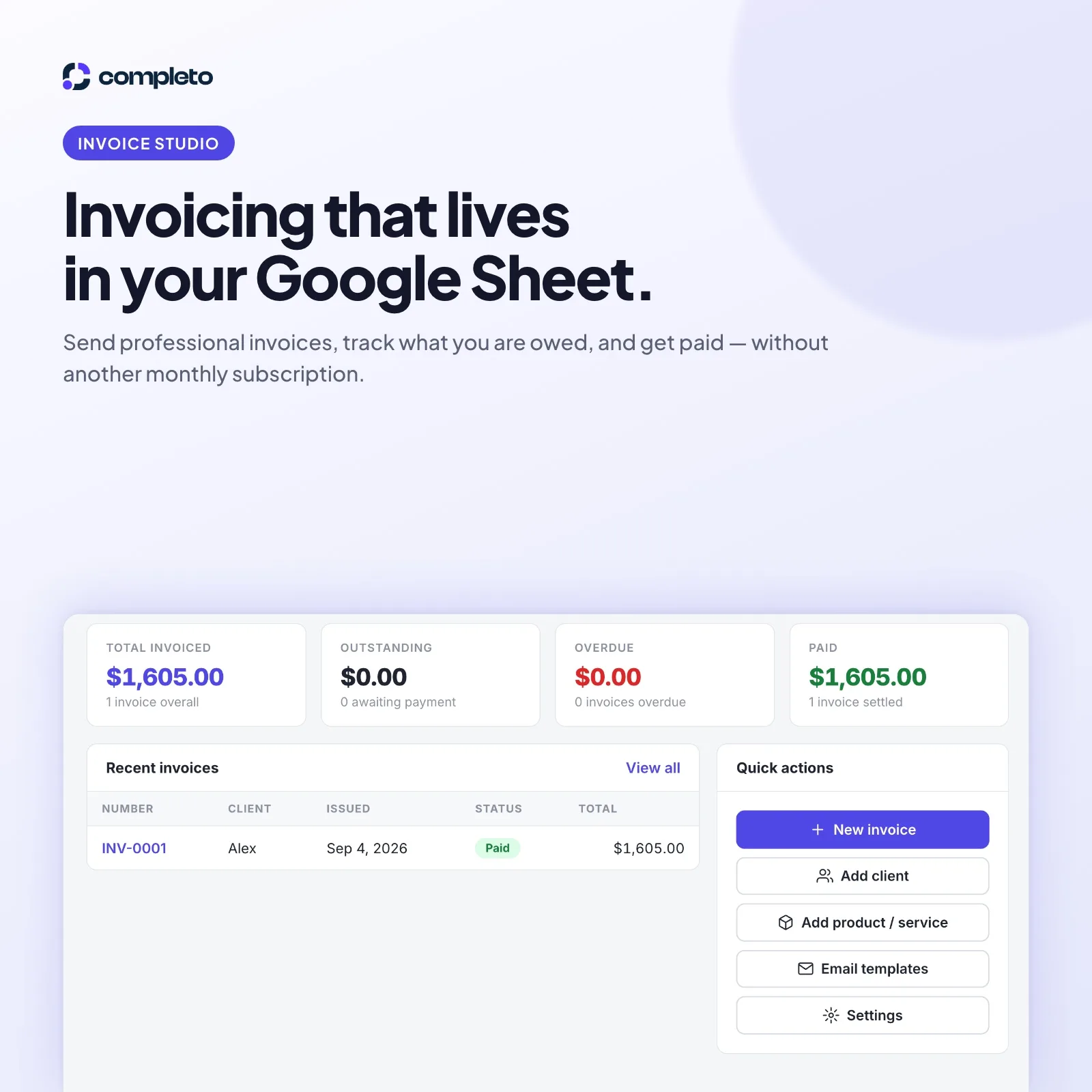
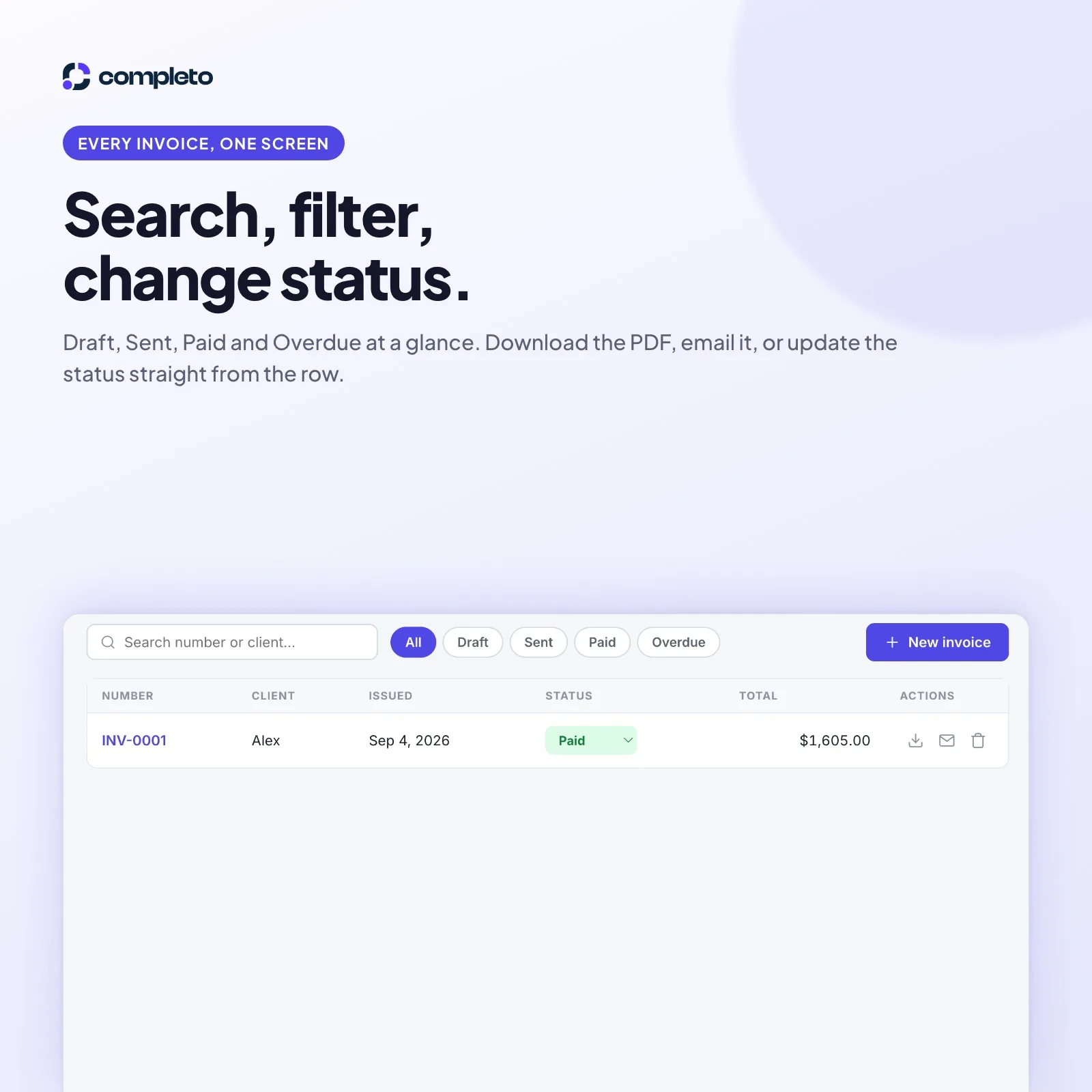
The dashboard keeps the four numbers that matter in front of you: total invoiced, outstanding, overdue and paid. The invoice list lets you search by number or client, filter by Draft, Sent, Paid or Overdue, and change an invoice's status straight from the row.
Everything lives in a Google Sheet in your own Drive. There is an Open spreadsheet button in the sidebar whenever you want the raw data, and nothing ever leaves your Google account — there is no server on our side.
Download it free. Your copy stays in your own Google Drive.
In one Google Sheet in your own Google Drive. There is an "Open spreadsheet" button in the sidebar whenever you want to see it. Completo has no server and no copy of your data.
No. Invoice Studio is a free download with no subscription. Your copy stays in your own Google Drive.
When you copy the sheet you become the developer of your own private copy, so there is no third party for Google to verify. The warning is expected and the included PDF guide walks you through it.
No. Clients receive a PDF by email. You deploy the app with access set to "Only myself", so nobody else can open it.